Field notes from the products you use.
You screenshot great UI, sharp tweets, clever workflows — then never see them again. Specimen reads each one, pulls out the actual insight, tags it, and files it into a queue you'll actually revisit.
// free · sign in with a one-time email code
// best on your phone — that's where your screenshots live
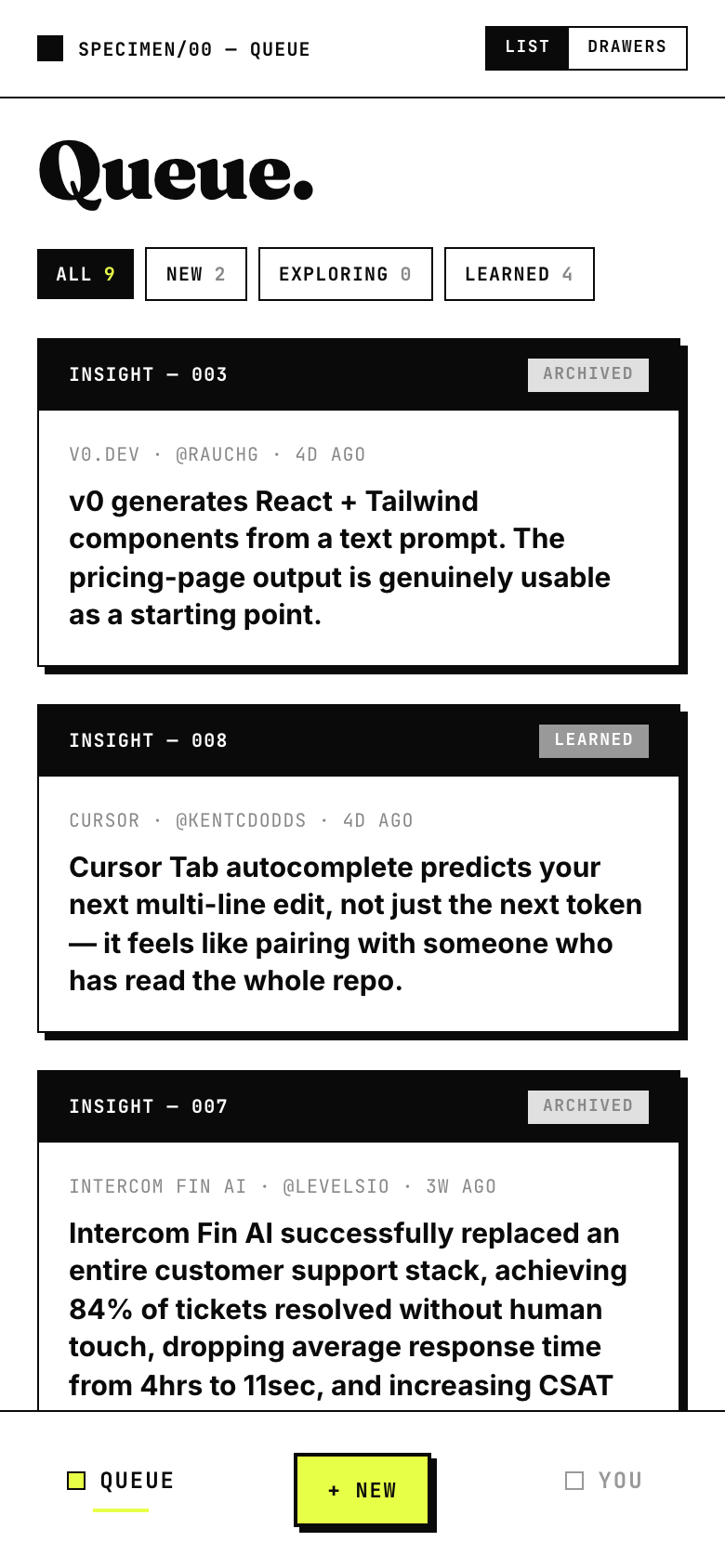
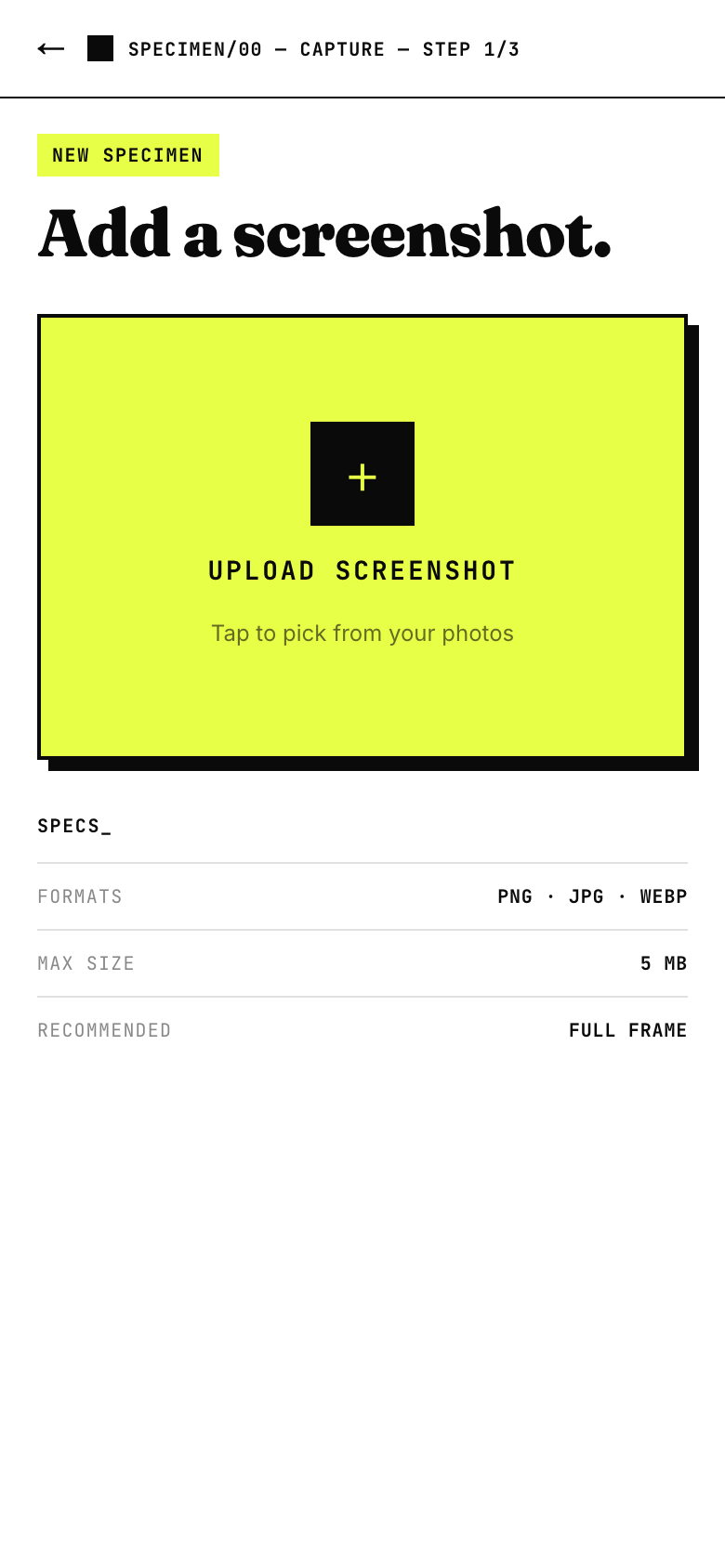
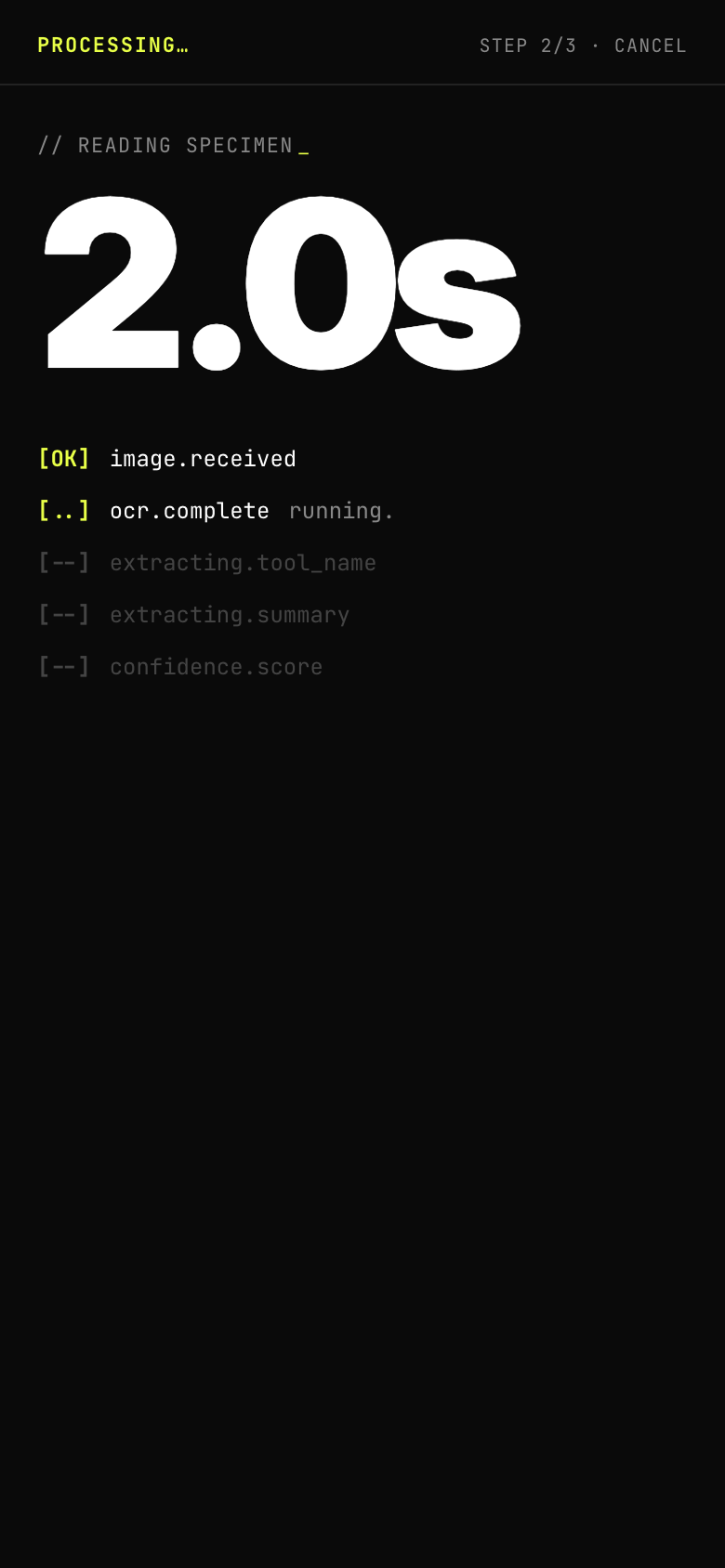
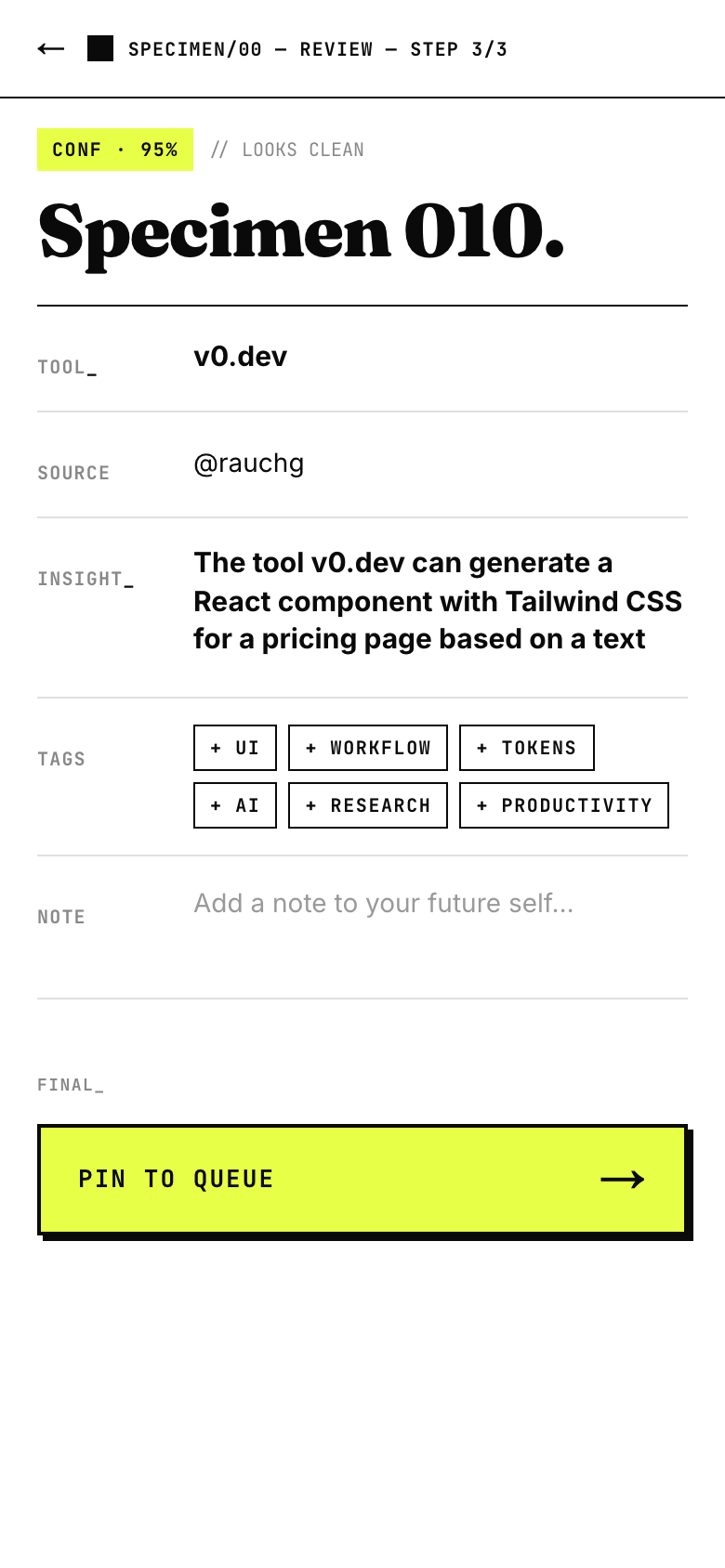
Three taps, then forget about it.
Drop in a screenshot — a tweet, a Figma tip, a pricing page, any UI worth remembering.
It OCRs the image and a vision model pulls out the tool, the source, and the actual takeaway.
Review the auto-filled card, add tags and a note to your future self, and pin it to your queue.
A field notebook for how good products work.
Everything worth remembering, in one place.
No tabs to lose, no folders to organise. Just a clean stack of specimens — each one a tool, a source, and the single thing that made you save it.
OPEN SPECIMEN→Start your field notebook.
Sign in with a one-time email code. No password, no setup — your first specimen is a screenshot away.
GET STARTED→